
Most home office setups fail not because of the chair or the monitor — they fail because the desk configuration does not match the actual work being done in the space. This guide covers the most functional home office desk ideas 2026 has produced, organized by room size, workflow type, and spatial constraint, so you can choose a setup that improves how you work rather than just how your office photographs.
1. L-Shaped Desk in a Corner: The Layout That Solves the Dual-Monitor Problem Without Dominating the Room
An L-shaped desk positioned into a room corner is the most efficient desk configuration for anyone who needs two monitors, a laptop plus external monitor, or simultaneous work across multiple surfaces. The corner placement tucks the largest footprint of the desk into the most structurally useless part of any room, which frees up the remaining wall space for shelving, storage, or simply breathing room.
The geometry works because the two desk surfaces meet at 90 degrees, which positions both monitors within natural head-turn range without requiring you to swivel a chair. This reduces neck fatigue significantly over a full workday compared to a single-surface desk where a second monitor sits at an extreme angle.
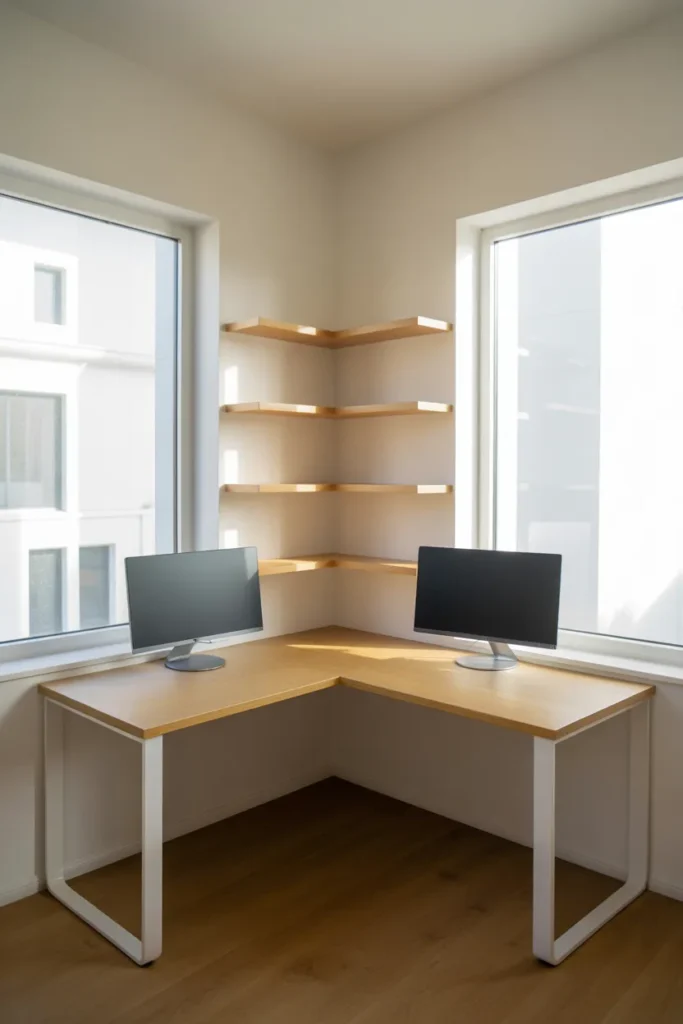

The configuration is equally useful in a dedicated home office and in a shared room — bedroom, living room corner, or guest room — because the corner placement contains the desk visually and prevents it from feeling like it occupies the center of the space. In rooms under 150 square feet, this containment is the difference between a room that feels livable and one that feels consumed by office equipment.
The most common mistake is choosing an L-desk that is too large for the corner. Measure the return length carefully — each arm of the L should leave at least 36 inches of clearance to the nearest wall, door, or piece of furniture for comfortable chair movement.
2. Built-In Floating Desk With Floor-to-Ceiling Shelving: When the Wall Does All the Work
A built-in floating desk — a wall-mounted work surface with no legs, paired with floor-to-ceiling shelving on one or both sides — is the most space-efficient home office desk configuration available for small rooms and dedicated office walls. The absence of legs keeps the floor completely clear, which makes even a small room feel open and uncluttered.
This setup works particularly well in rooms where a freestanding desk would block a natural traffic path or push the chair into an awkward position relative to the door. A wall-mounted surface has zero footprint below the countertop, which removes that problem entirely.
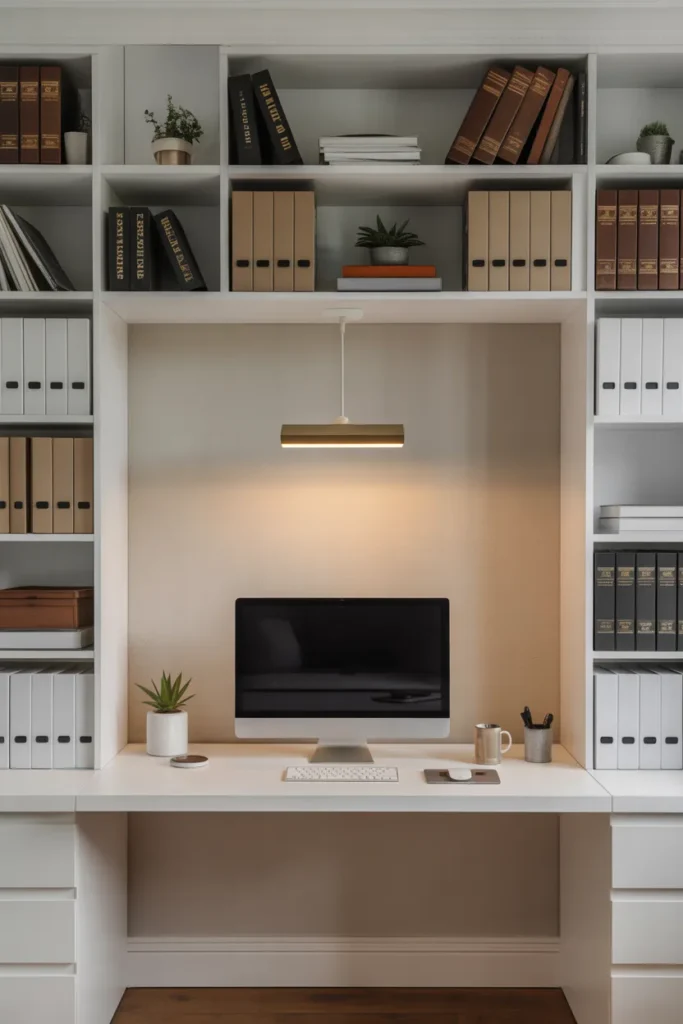
The shelving component transforms the desk from a surface into a full workstation system. Books, files, equipment, and supplies move off the desk and onto the shelves at eye level, which is the organizational structure that keeps a desk surface consistently usable rather than chronically cluttered.
Structural installation is the one consideration that matters most here. A floating desk surface needs to anchor into wall studs — not just drywall — to support monitor weight and daily use without flex or failure. For spans wider than 48 inches, a center support bracket is advisable regardless of stud anchoring.
3. Standing Desk Converter on a Standard Desk: The Ergonomic Upgrade That Does Not Require Replacing Your Furniture
A standing desk converter — a platform that sits on top of an existing desk surface and raises the monitor and keyboard to standing height — is the most cost-effective and reversible way to introduce ergonomic flexibility into a home office setup without purchasing a full sit-stand desk.
This approach is particularly practical for anyone who works in a rented space, shares a desk with another household member, or is not yet certain whether standing desk use will become a consistent part of their work routine. It commits to nothing structurally while providing the full functional benefit of height adjustment.
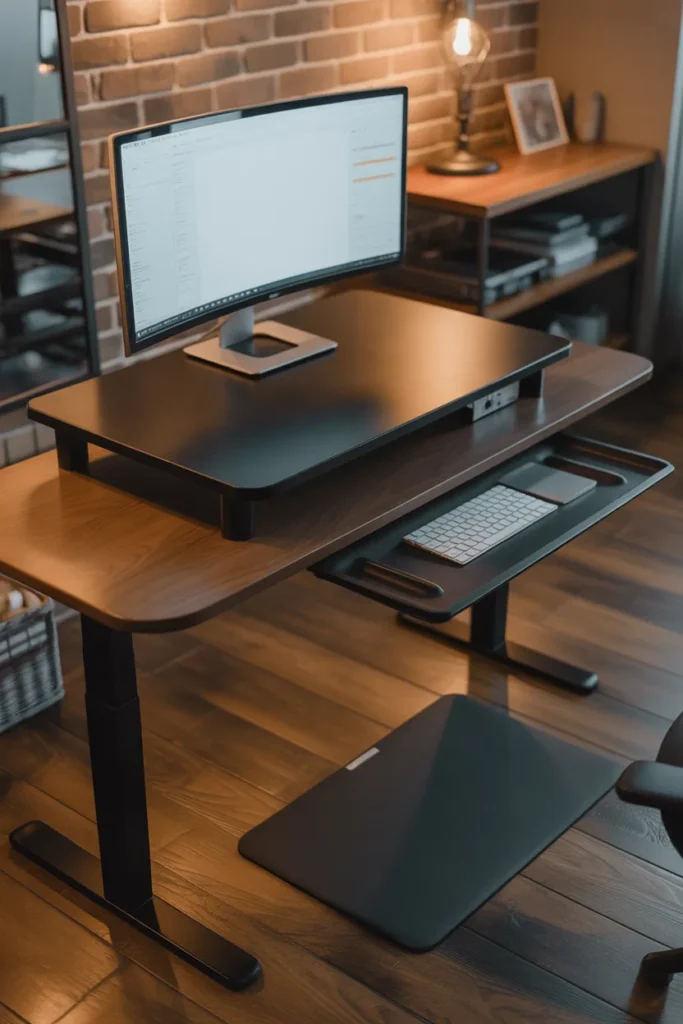
The key specification to evaluate is the weight capacity of the converter platform. A setup with a monitor arm, a large monitor, and a keyboard tray adds up quickly. Most standard converters handle 20 to 35 pounds comfortably. A dual-monitor setup will push toward the upper end of that range and may require a heavy-duty platform.
The mistake most people make is placing the converter on a desk that is too shallow. The converter itself adds 20 to 24 inches of depth in the raised position. A desk that is only 24 inches deep will push the monitor too close to the user when the converter is raised. A desk depth of at least 30 inches makes converter use comfortable.
4. Closet Desk Conversion: The Dedicated Office That Disappears When the Workday Ends
A closet desk conversion — removing the closet rod and shelves from a standard reach-in closet and installing a desk surface and task lighting in their place — creates a fully functional home office workspace that closes completely behind bifold or sliding doors when not in use. This is the most practical small home office desk idea for anyone in an apartment or home without a dedicated office room.
The standard reach-in closet is 24 inches deep and 60 to 72 inches wide, which provides adequate desk surface for a single monitor setup. The closet walls on each side function as natural shelving supports, and the overhead bar position makes a logical location for under-shelf LED task lighting.
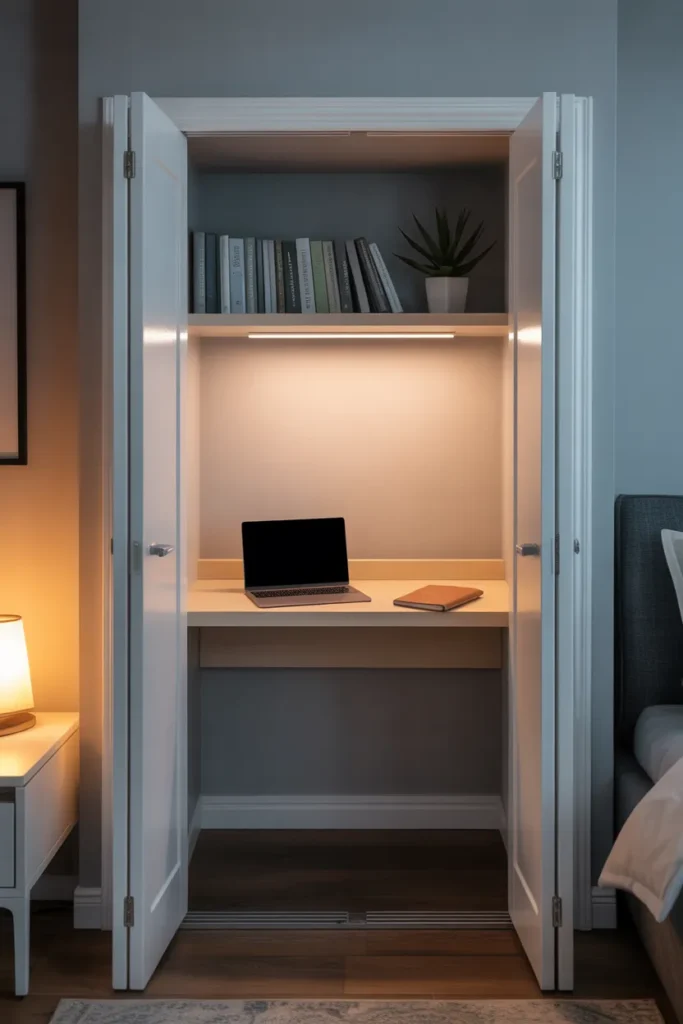
The closed-door feature is what separates this configuration from simply putting a desk in a corner. When the doors close, the workspace is completely visually separated from the living space. This has a measurable psychological benefit — the mental boundary between work and non-work time becomes a physical one.
Ventilation is the one practical issue to address. A closed closet with a computer running generates heat. Leaving a small gap at the door bottom or installing a small USB-powered fan keeps air circulating and prevents equipment from overheating during long work sessions.
5. Window-Facing Desk With Full Natural Light: The Setup That Reduces Eye Strain and Improves Focus
Positioning a desk directly facing a window — rather than with the window to the side or behind — gives the eyes a natural focal point for rest between screen sessions, reduces the contrast fatigue caused by a bright backlight behind a dark monitor, and provides consistent daylight that supports alertness throughout the workday. This is one of the most evidence-supported home office desk placement decisions available.
The window-facing position works best when the window does not produce direct glare on the screen during the primary work hours of the day. North-facing windows in the USA provide consistent indirect light throughout the day with minimal glare risk. South and west-facing windows may require a sheer curtain or adjustable blind to manage afternoon glare.
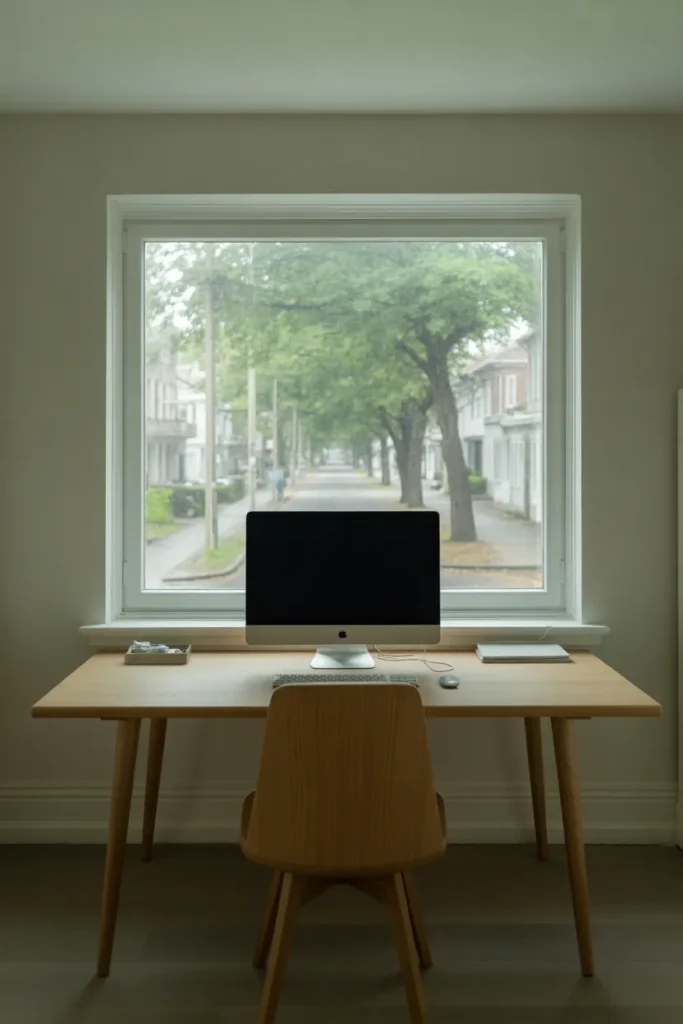
Monitor brightness should be calibrated to match the ambient light level at the window-facing desk. A monitor that is too dim relative to the bright outdoor scene behind it creates exactly the contrast fatigue this placement is meant to prevent.
The view matters more than most people account for when planning this setup. A window facing a wall, a fence, or a mechanical unit does not provide the restorative focal-distance benefit that makes this layout effective. A window with a meaningful outdoor view — even a garden, a street, or a tree — produces the eye-rest benefit this configuration is designed around.
6. Dual-Purpose Dining Table Desk: Making a Shared Space Work Without Sacrificing Either Function
In studio apartments and open-plan homes where a separate desk is not feasible, a dining table used as a primary work surface is a legitimate and functional home office desk solution — but only when the setup is intentional rather than improvised. The difference between a dining table that works as a desk and one that creates daily frustration is almost entirely in how the workspace is organized and packed down each day.
A rolling storage cart positioned beside the dining table holds all work equipment — laptop, charger, notebooks, peripherals — during the workday and rolls away completely at the end of it. This physical reset is what makes the dual-purpose arrangement sustainable rather than a source of ongoing mess and mental friction.
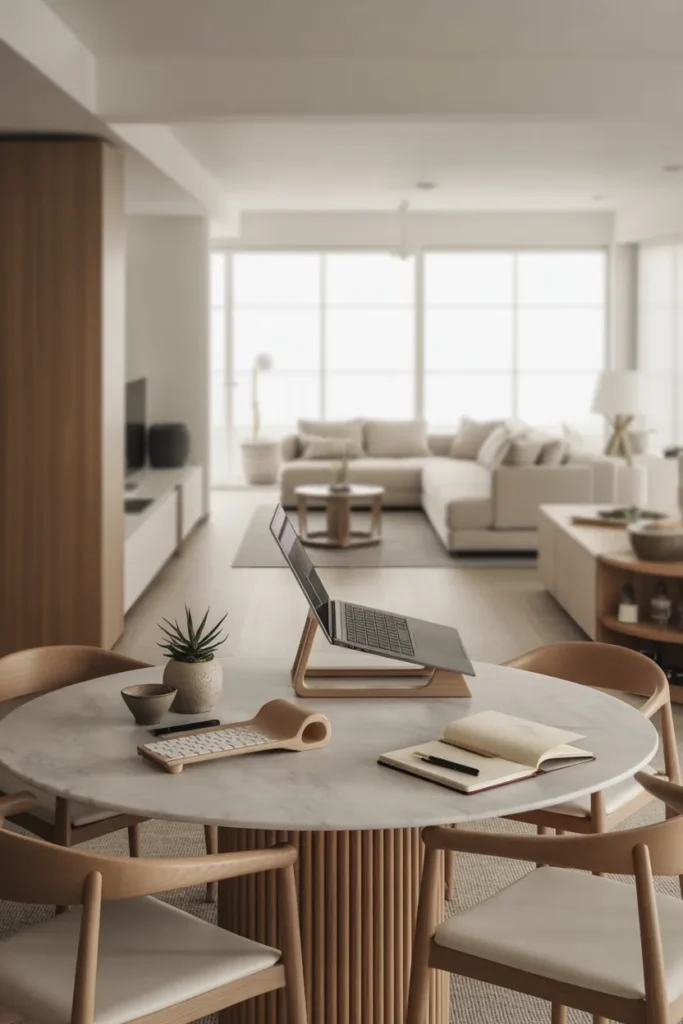
Monitor placement is the primary ergonomic challenge at a dining table desk. Most dining tables sit at 30 inches, which is standard desk height. However, dining chairs are typically lower than office chairs, which can create a poor monitor-to-eye relationship. A monitor riser or arm that elevates the screen 4 to 6 inches resolves this without requiring any changes to the furniture.
The dining table configuration works well as a primary desk setup in apartments under 600 square feet and as a secondary workspace for household members who work from home occasionally rather than full-time. For full-time remote workers who need a stable, permanent setup, the compromises of a shared surface accumulate quickly.
7. Executive L-Desk With Integrated Storage Pedestal: The Full Workstation for Serious Home Office Use
An executive-style L-shaped desk with a built-in storage pedestal — a three-drawer cabinet on wheels or fixed to the desk return — is the appropriate configuration for a full-time home office used for high-volume knowledge work, client meetings conducted on video, and daily filing or document management. This is a workstation designed around professional output, not occasional use.
The storage pedestal is the component that distinguishes this setup from a standard L-desk. File-depth drawers that hold hanging folders in the lower drawer, a box drawer for office supplies in the upper two, and a locking option for sensitive documents make this the closest residential equivalent to a professional office workstation.
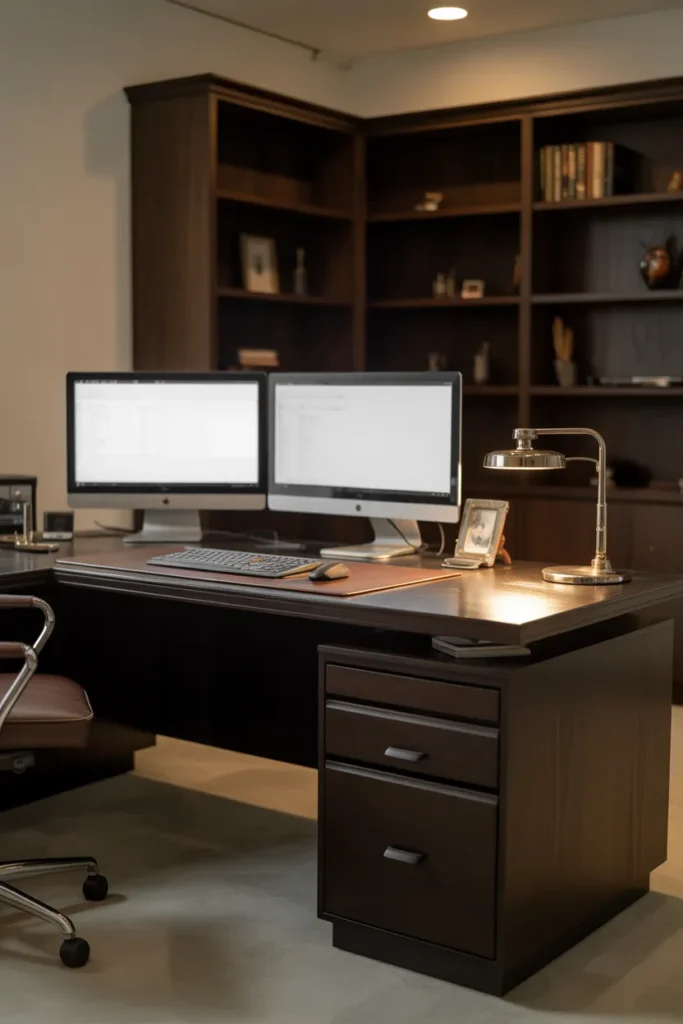
The desk surface in this configuration typically runs 60 by 30 inches on the primary arm and 42 to 48 inches on the return. This gives enough primary surface for a monitor, documents, and a keyboard with meaningful desk space on each side of the monitor — which is what separates a functional professional setup from one where the monitor crowds out all usable surface area.
The visual weight of an executive desk is significant. This configuration is appropriate for a dedicated office room, not a shared bedroom or open living space. In rooms under 120 square feet, the desk will dominate the space and limit furniture options considerably.
8. Minimalist Floating Plank Desk: Maximum Surface, Minimum Visual Noise
A single thick wood plank mounted directly to the wall — no legs, no drawers, no cable runs, no frames — is the cleanest possible home office desk form and the right choice for anyone whose workspace priority is visual calm and surface simplicity. This configuration is particularly effective in rooms where the desk shares space with sleeping or living functions and visual separation between uses needs to be minimized.
The plank should be a minimum of 24 inches deep and ideally 60 to 72 inches wide to provide enough surface for a full work setup. Solid wood or butcher block in a thickness of 1.5 to 2 inches provides the visual weight and physical stability the mounted plank needs to feel like a desk rather than a shelf.
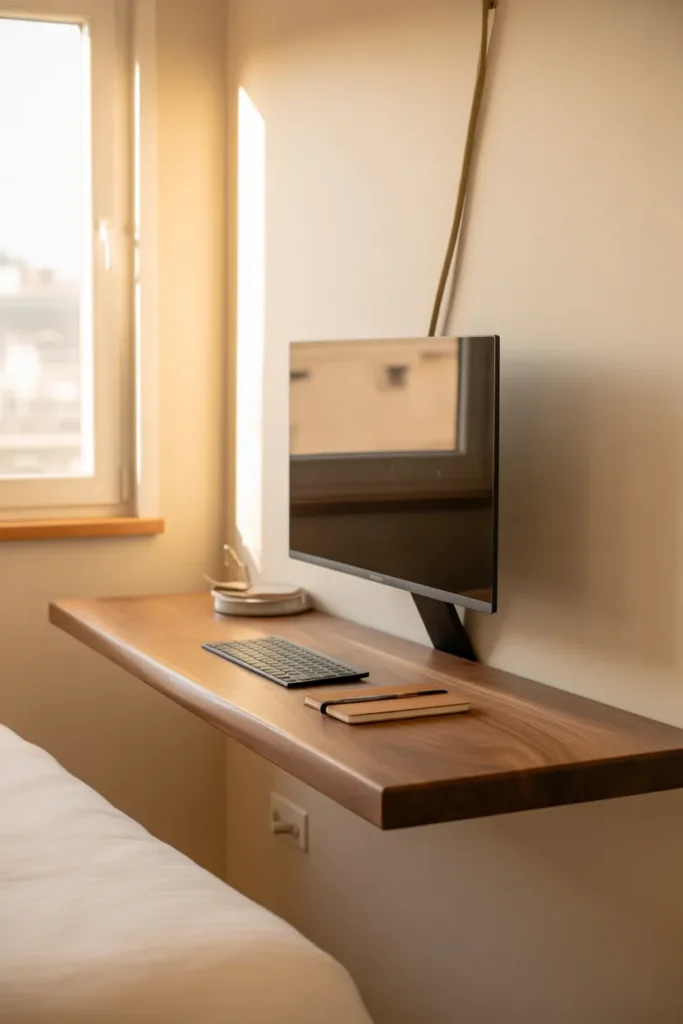
Monitor management is the key to making a minimal plank desk work in practice. A monitor arm that clamps to the back edge of the plank — lifting the screen off the surface entirely — preserves the visual simplicity that makes this desk configuration distinctive. A monitor sitting directly on the plank surface adds a box of equipment to what is supposed to be a clean, open plane.
Cable management is equally important and often overlooked. A single cable channel mounted to the underside of the plank routes all power and data cables out of sight. Without it, the cables from the monitor arm, laptop charger, and any peripherals will pool on the desk surface and undermine the minimal effect entirely.
9. U-Shaped Desk Configuration for a Full Home Office Room: When You Need to Spread Out Without Losing Organization
A U-shaped desk — three connected surfaces forming a U that wraps around the user on three sides — is the most productive configuration for creative professionals, home-based business owners, and anyone managing multiple ongoing projects that require simultaneous access to different materials, screens, and documents. It is also the most space-demanding home office desk layout, requiring a room of at least 12 by 12 feet to function without feeling claustrophobic.
The U-shape works because it eliminates the need to leave the desk to access any part of the workstation. Everything from the primary monitor zone to the reference materials zone to the secondary screen or drawing surface sits within arm’s reach or a simple chair rotation. This reduces workflow interruption and physical movement during complex tasks.
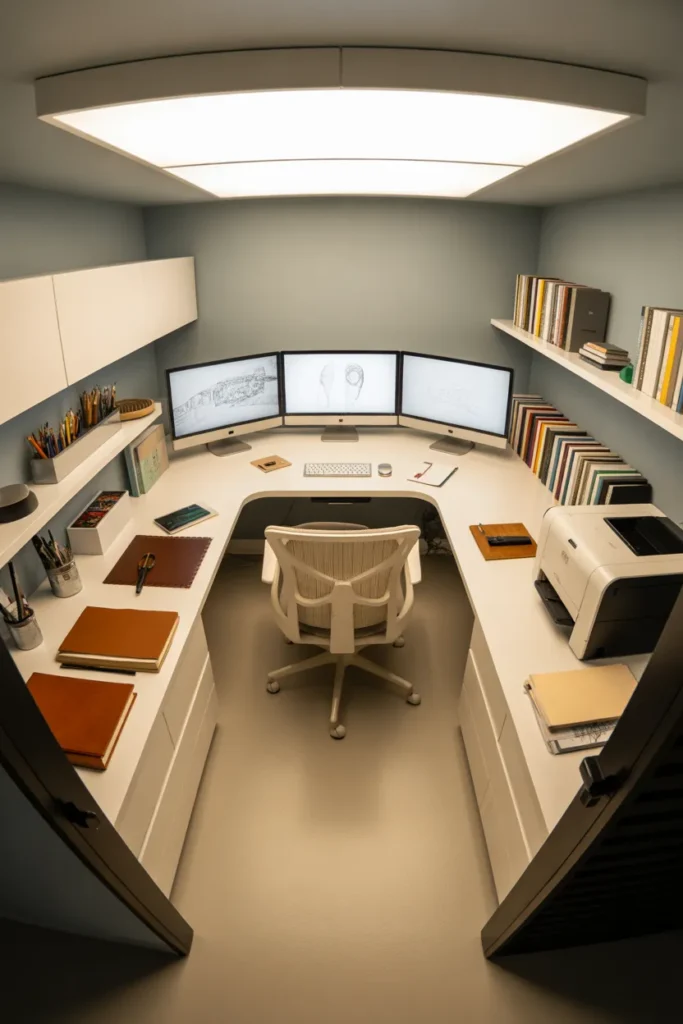
The organizational discipline required for a U-shaped desk is higher than any other configuration. Because the surface area is large — typically 80 to 100 square feet of combined desk surface — the tendency to accumulate clutter across all three sections is significant. A clear zone assignment for each arm of the U — primary work, reference materials, secondary tasks — prevents the configuration from becoming an oversized dumping ground.
This is strictly a dedicated office room setup. Placing a U-desk in a shared room is not practical in most residential layouts. The room must be sized correctly, and the entry door must not conflict with any of the three desk arms when open.
10. Compact Secretary Desk With Fold-Down Surface: The Small Space Desk That Disappears Completely
A secretary desk — a wall-mounted or freestanding cabinet with a fold-down writing surface that closes flush when not in use — is the most space-conscious home office desk solution available and the right choice for any room where a permanent desk footprint is simply not an option. When closed, it reads as a cabinet or a piece of wall-mounted furniture. When open, it provides a functional writing and laptop surface.
The fold-down surface on a standard secretary desk runs approximately 24 by 18 inches in the open position — sufficient for a laptop, a notebook, and basic work session needs. It is not a configuration for dual monitors, large peripherals, or extended document layouts. It is the right desk for anyone whose work is primarily laptop-based and who works from home occasionally rather than full-time.
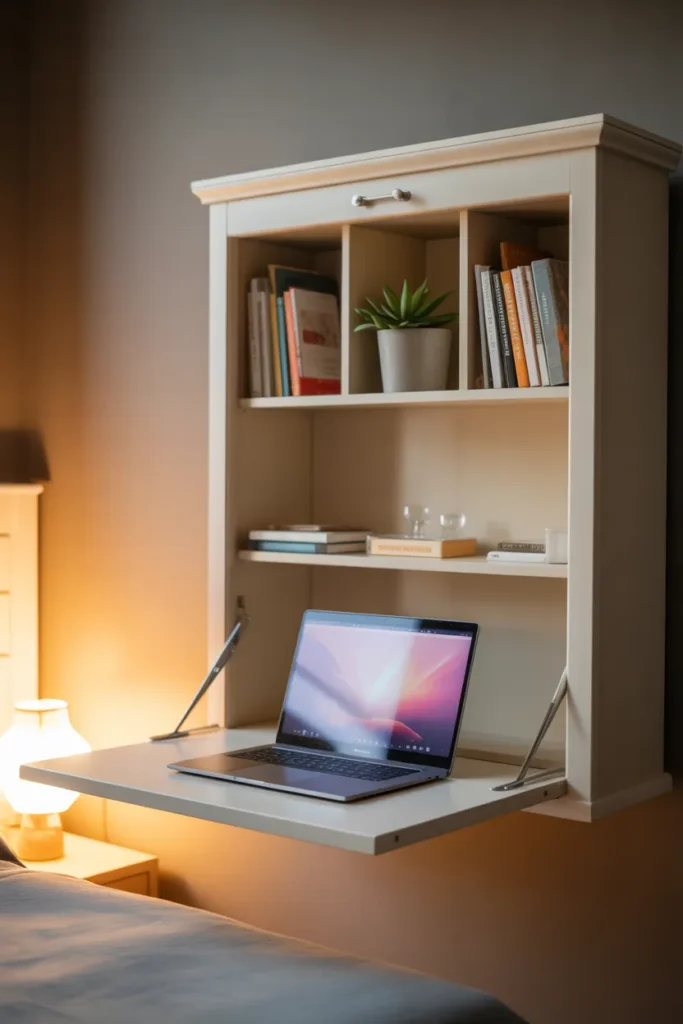
The interior of the cabinet above the fold-down surface is where the organizational value of this desk type lives. Small cubbies, a shelf or two, and a narrow drawer keep all work supplies organized and contained within the footprint of the cabinet. Nothing needs to be stored elsewhere in the room.
The fold-down secretary desk is currently one of the more visible small home office desk ideas in 2026 design content, partly because it solves the apartment workspace problem cleanly and partly because well-made versions in natural wood and matte painted finishes photograph beautifully. The aesthetic matches well with transitional, farmhouse, and Japandi interiors where visible utility is part of the design language.
Final Thoughts
The desk configuration you choose should be driven by your actual workload, your room dimensions, and how many hours per day you spend at the desk — not by what looks best in a photo. The home office desk ideas 2026 covered here range from zero-footprint closet conversions to full U-shaped professional workstations, which means there is a functional answer regardless of how much space you are working with.
Save this post to your Pinterest boards so you can revisit these options when you are ready to make decisions or share with someone planning their own setup. For a complete home office plan, pair this guide with home office storage ideas and ergonomic workspace setup guides to cover every decision in one place.